
See KendaliCRM in action before you buy
Open the demo cabinet and explore how sales, products, group buys, landing pages, funnels, AI Core, AI Marketing Engine, automation, and analytics all work inside a single AMOS platform.
The demo helps you quickly grasp how the system thinks: from building an offer and tracking a landing page to AI audits, the SEO pipeline, and implementation tasks.
The demo isn't about a pretty picture — it's about understanding the system fast
KendaliCRM makes far more sense when you see it live: the menu reveals the scale of the platform, the modules show real-world scenarios, and the AI sections make it clear why this is more than just a CRM.
Open the demo cabinet
Head into the demo and explore the author interface: dashboard, menu, modules, AI credits, reports, and working sections.
Follow the guided route
Start with sales and funnels, then move on to AI Core, AI Marketing Engine, automation, projects, and settings.
After the tour — buy or book a consultation
If the system is a fit, you can grab the Launch License for $99 or discuss installation, setup, and customization for your business.
What you should definitely see in the demo
Don't just click around randomly. Follow this route — that's how the system reveals itself as a full-fledged AI Marketing Operating System.
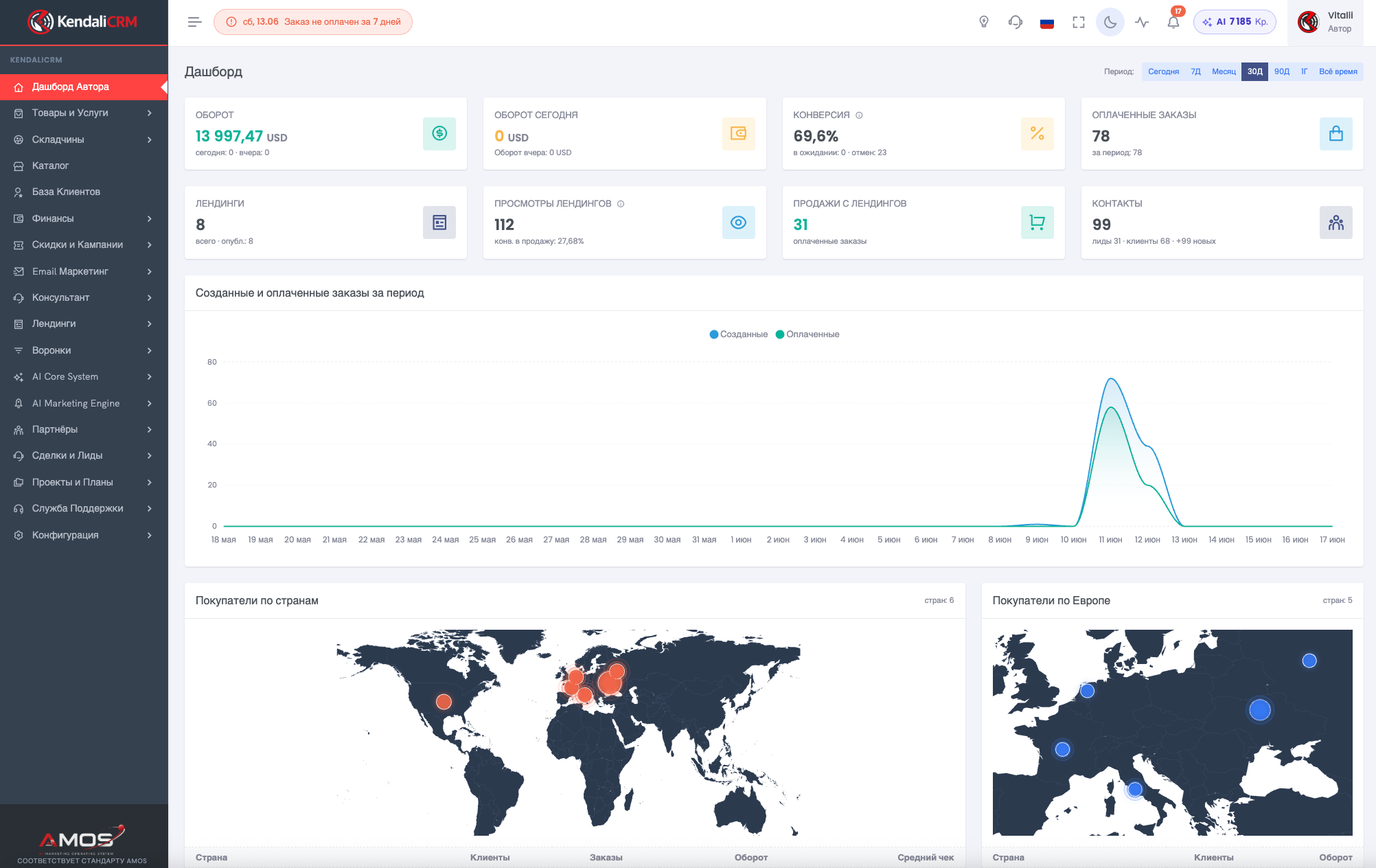
1. Author dashboard
Start with the overview screen: orders, revenue, sales, channels, AI credits, customer map, and quick access to modules.
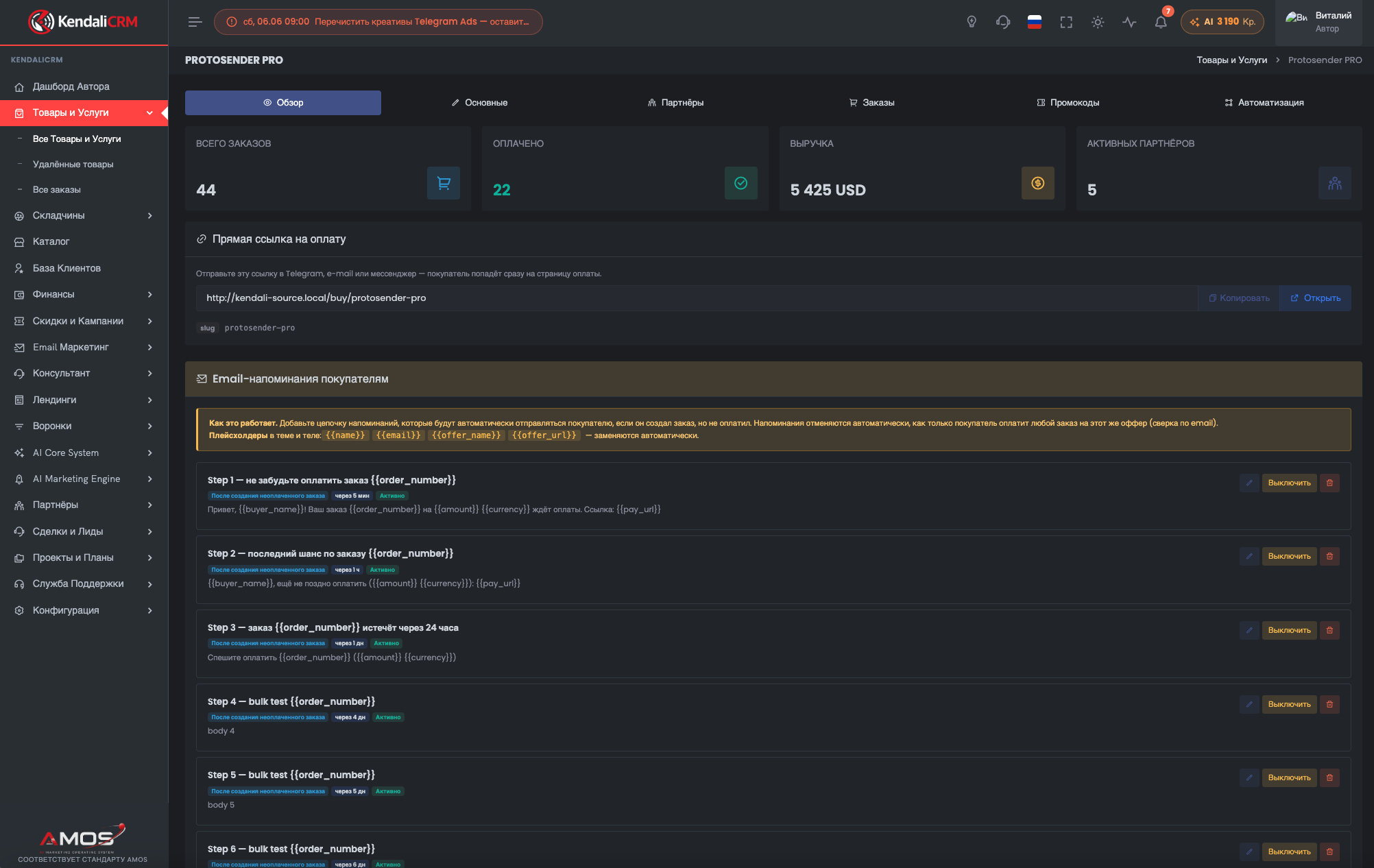
2. Products and offers
See how a digital product is created and how payments, emails, statistics, and purchase links are tied to it.
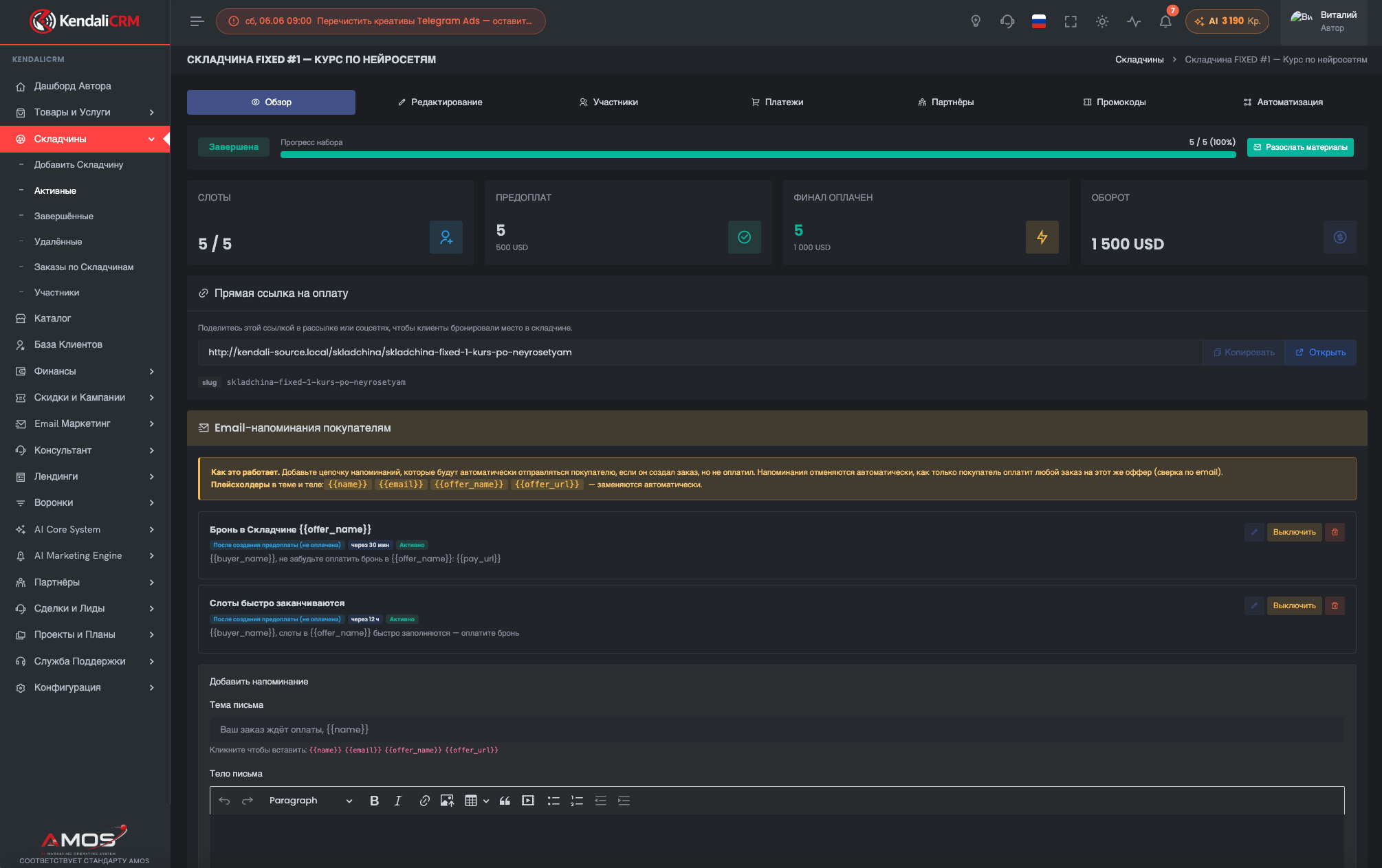
3. Group buys
A one-of-a-kind module for group sales: participants, funding progress, deadlines, deposits, and the final payment.
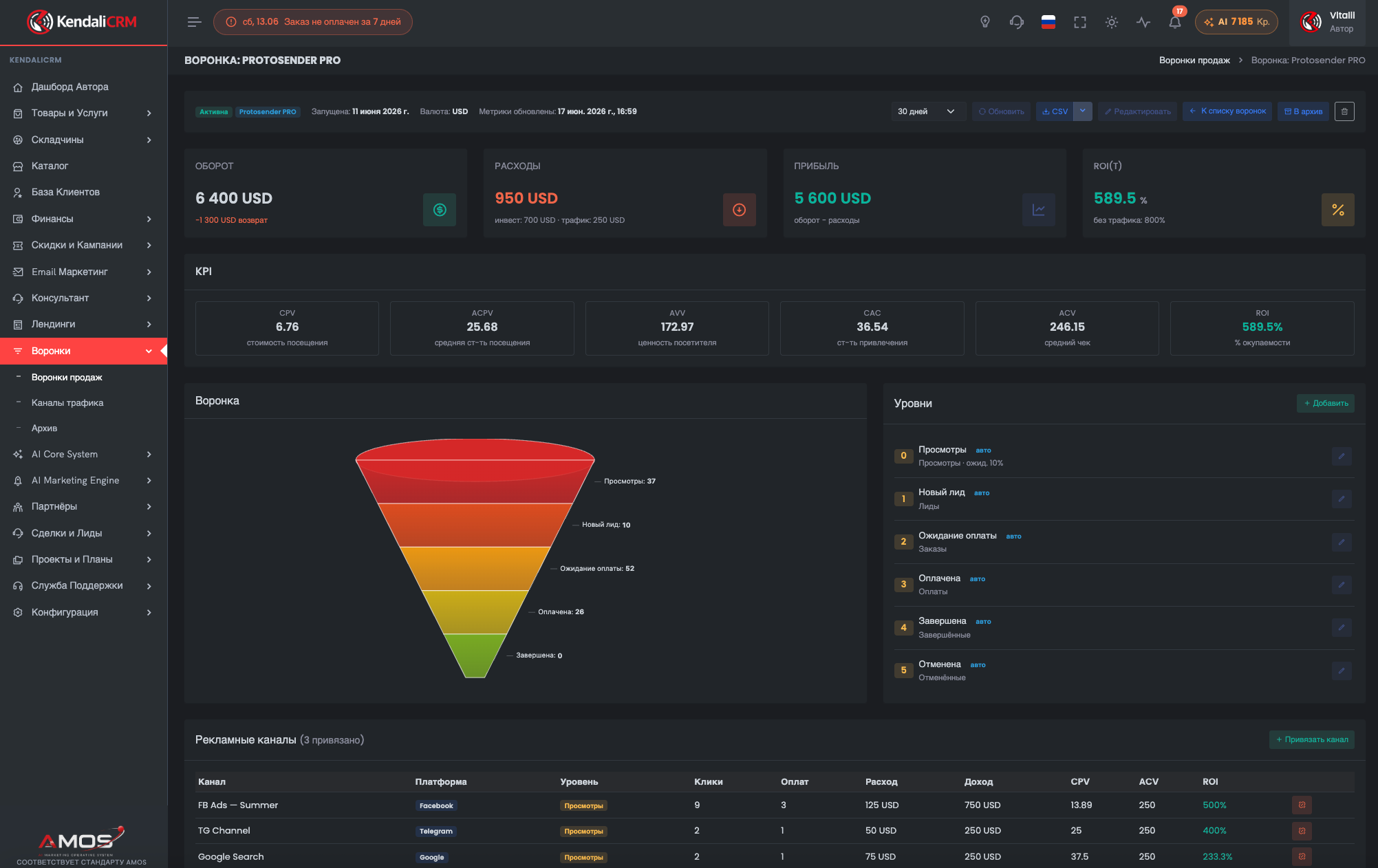
4. Funnels and analytics
Check how the system surfaces the economics: revenue, costs, ROI, CAC, conversions, channels, and landing pages.
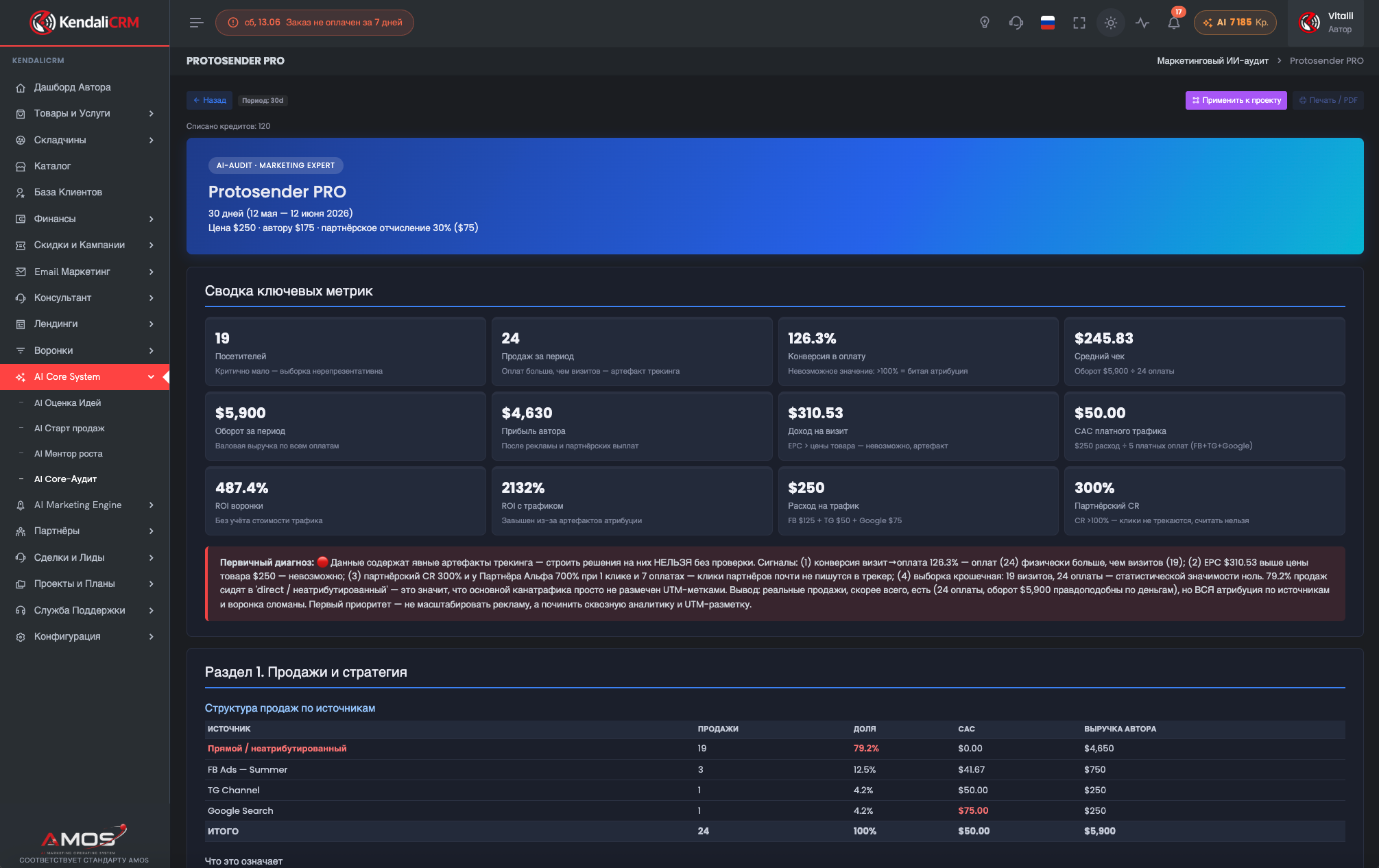
5. AI Core
Open the AI modules: idea scoring, sales kickoff, AI audit, growth mentor, and recommendations for what to do next.
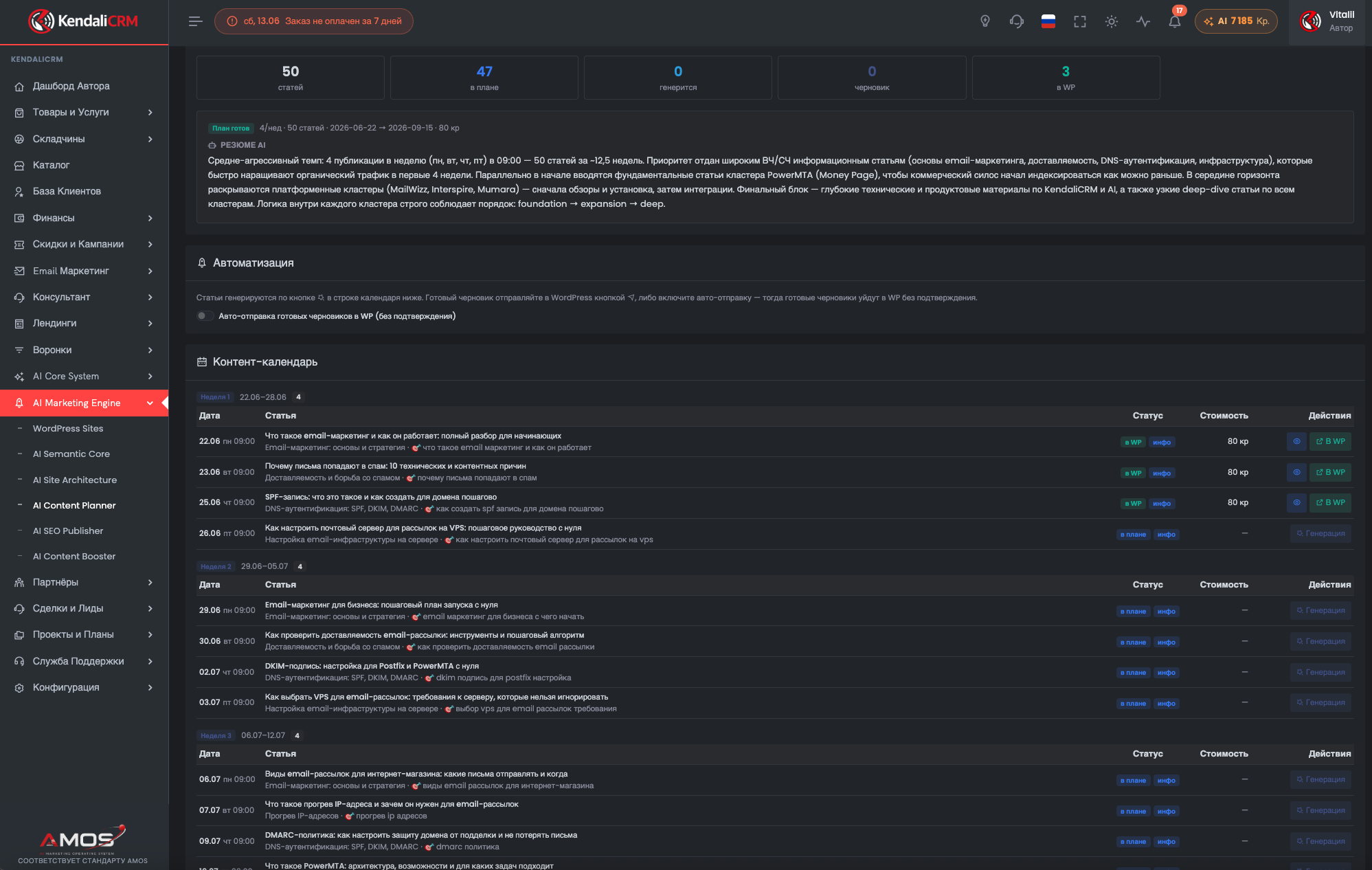
6. AI Marketing Engine
Explore the SEO pipeline: semantics, architecture, content plan, article generation, and publishing to WordPress.
A 10–15 minute tour route
This order best shows that KendaliCRM isn't a collection of separate modules, but a single operating system for sales and AI marketing.
Take in the scale of the system, the menu, AI credits, sales, and analytics.
Browse products, group buys, orders, finances, and payment scenarios.
Open landing pages, funnels, ROI, CAC, channels, and conversions.
Check out the AI audit, AI kickoff, ideas, mentor, and reports.
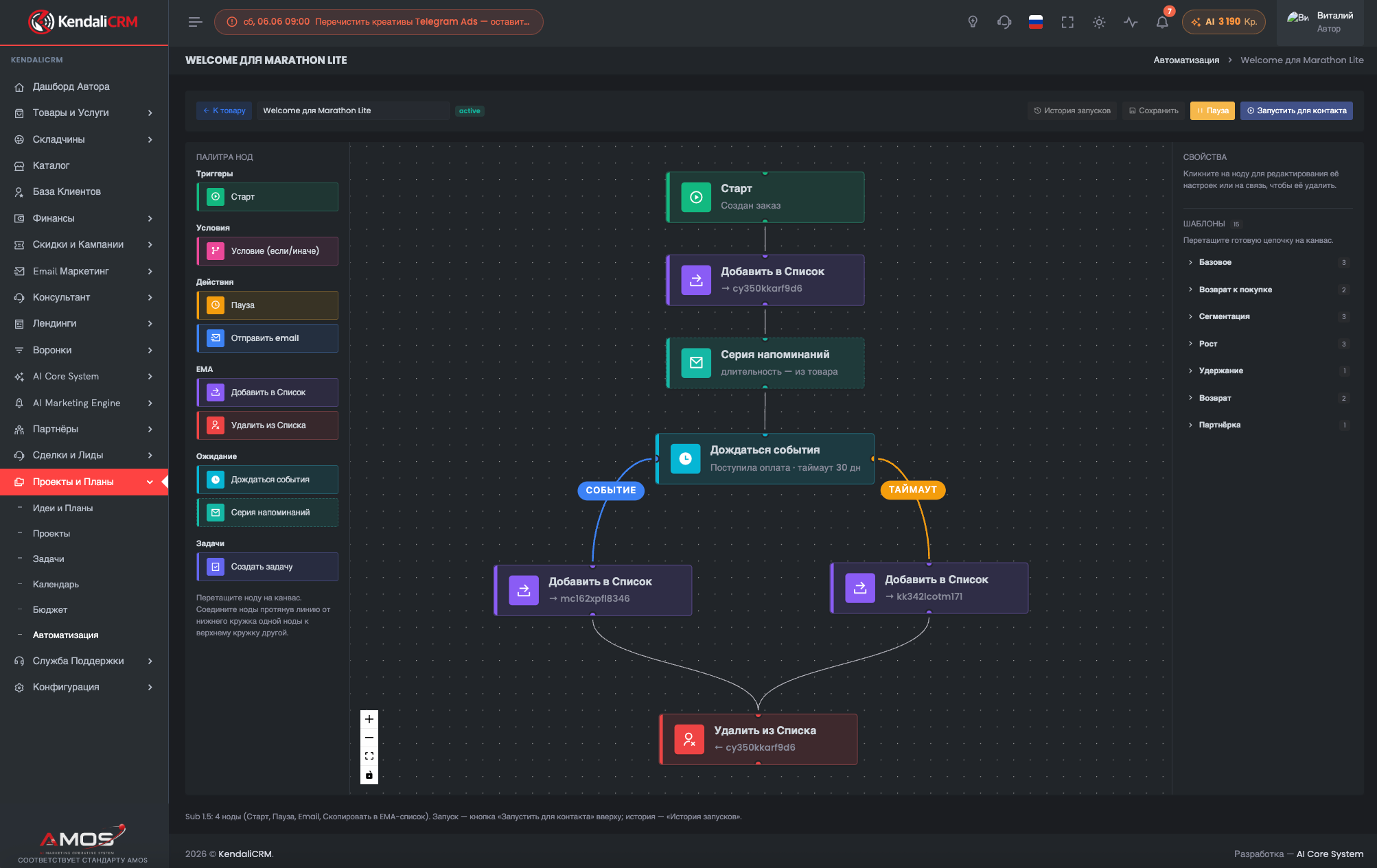
See workflows, projects, tasks, and how recommendations turn into action.
Demo Workspace Video Walkthrough
The best format for YouTube: 12–18 minutes that walk you through the journey from the dashboard and offers all the way to the AI Marketing Engine and automation.
Watch the walkthrough →How the Demo Works
- The demo workspace showcases the product's core modules using test data.
- Some actions may be restricted to keep the demo stable.
- Test data may be periodically reset or refreshed.
- AI operations may be capped by a limit to avoid spending credits without control.
- After purchase, you'll receive a ZIP installer, video tutorials, and module materials.
- To install on your own domain, you'll need to activate a license and an ionCube key file.
What Should Be Clear After the Demo
The main goal of the demo is to show that KendaliCRM covers not just a single function, but the entire operational layer of a digital business.
The Usual Approach
- The CRM is separate from landing pages and payments.
- AI runs in a separate chat and can't see your business data.
- SEO, articles, and WordPress live separately from sales.
- Email, affiliate program, and analytics are pieced together by hand.
- The business owner constantly switches between services.
KendaliCRM
- Offers, orders, landing pages, payments, and the CRM are all connected.
- AI Core works within your business context.
- The AI Marketing Engine builds an SEO pipeline all the way to a WordPress draft.
- Email, affiliate program, finances, projects, and tasks in a single workspace.
- The system installs on your own domain and stays under your control.
Frequently Asked Questions About the Demo
A quick look at access, limitations, and the next step after the walkthrough.
Is the demo a real system?
Yes. It's a demonstration workspace of KendaliCRM running on test data. Its purpose is to show the interface, module structure, and core workflows.
Can I change everything in the demo?
Some actions may be restricted: this protects the demo from accidental data deletion, bulk generations, and an unstable state.
Can I explore the demo before buying?
Yes. The demo is built precisely so you can evaluate the product before purchasing the Launch License for $99.
What do I do after the demo?
If the system is a good fit, you can buy a license, download the installer, and set up KendaliCRM on your own domain. For more complex rollouts, you can request a consultation.
Are the AI modules fully available in the demo?
AI sections may be shown with limits on actions and credits. What matters is seeing the workflows, reports, interface, and the logic behind AI Core.
Will there be a video tutorial?
Yes. The product is planned to include installation videos along with separate videos for each module. A general workspace overview can be placed on the demo page.