
Deploy KendaliCRM for your business, your server and your processes
The base license gives you an on-premise system you can install yourself. If you need help with launch, configuration, migration, integrations or customization — that's handled as a separate implementation service.
What's included in the license, and what's a separate service
We draw a clear line: what you get for $99 right after payment, and what's available as a separate implementation service tailored to your task.
Advisory support
We help you get up to speed with installation, activation and the core logic of how the system works.
- access to the ZIP installer;
- video installation guide;
- training videos for the modules;
- help with activation questions;
- recommendations for initial setup;
- answers on module logic;
- 6 months of updates.
Work tailored to your task
Anything that requires action on the client side, server access, custom code or migration.
- manual installation on your server;
- PHP, MySQL, cron, ionCube setup;
- data migration from other systems;
- customization of the interface or modules;
- integrations with external services;
- adaptation to the client's niche;
- custom launch of AI/SEO processes.
Self-installation — the primary scenario
KendaliCRM is an on-premise product: you download the installer, upload the files to your server, create a database, open the web installer and walk through the setup steps.
What you'll need
A server or hosting where the CRM will live.
A compatible server environment for the application.
Required for the license and protected files to work.
For background tasks: payments, mailings, queues and service processes.
After purchase you provide your domain and receive an activation key.
What you can order separately
If you need more than just an installer file — a finished result — this work is delivered as a separate service tailored to your task.
Server installation
Deploying the CRM on the client's hosting or VPS.
- file upload
- database creation
- installer
- verification
Environment setup
Help with server requirements and system-level tasks.
- PHP/MySQL
- ionCube
- cron
- file permissions
Initial CRM setup
Preparing the system for your first scenario.
- products
- funnels
- landing pages
- email templates
AI/SEO setup
Configuring AI Core and the AI Marketing Engine for your site.
- WP site
- brand context
- SEO pipeline
- content plan
Integrations
Connecting external services and custom data flows.
- WordPress
- SMTP
- API
- webhooks
Customization
Adapting the system to your niche, processes and business logic.
- fields
- sections
- modules
- reports
How the work goes when you need help
If you need help, the work follows a clear path: from request to delivery of the finished result.
Request
You describe the task: installation, setup, integration, migration or customization.
Audit
We review your server, domain, current stack, goals and desired launch scenario.
Estimate
We define the scope of work, timeline, cost and the list of access/data needed.
Execution
We carry out the installation, setup, integration or customization per the plan.
Handover
We verify the result, walk you through it and give recommendations for ongoing use.
Three levels of implementation help
Pricing is calculated per task, but the levels themselves help you understand exactly what you can order.
Install
Quick launch- CRM installation;
- database setup;
- permissions check;
- domain activation;
- basic module check.
Launch
Launch your first scenario- installation;
- initial setup;
- first product/offer;
- landing/funnel;
- email/follow-up;
- AI Core check.
Custom
Built for your business processes- process audit;
- module customization;
- integrations;
- data migration;
- AI/SEO setup;
- individual roadmap.
Implementation isn't only technical — it's marketing too
It's important to pick the right first scenario: sales, an AI audit, the SEO pipeline, the affiliate program, email or automation — not just uploading files.
Sales setup
Products, group buys, invoices, promo codes, payments, digital delivery.
AI setup
AI Core, business audits, idea scoring, AI Start and weekly growth.
SEO setup
WordPress site, semantic core, architecture, content plan, publisher.
Automation setup
Follow-up scenarios, emails, tasks, lists, events and conditions.
The requests we hear most often
Find your task — these are the scenarios people come to us with most often.
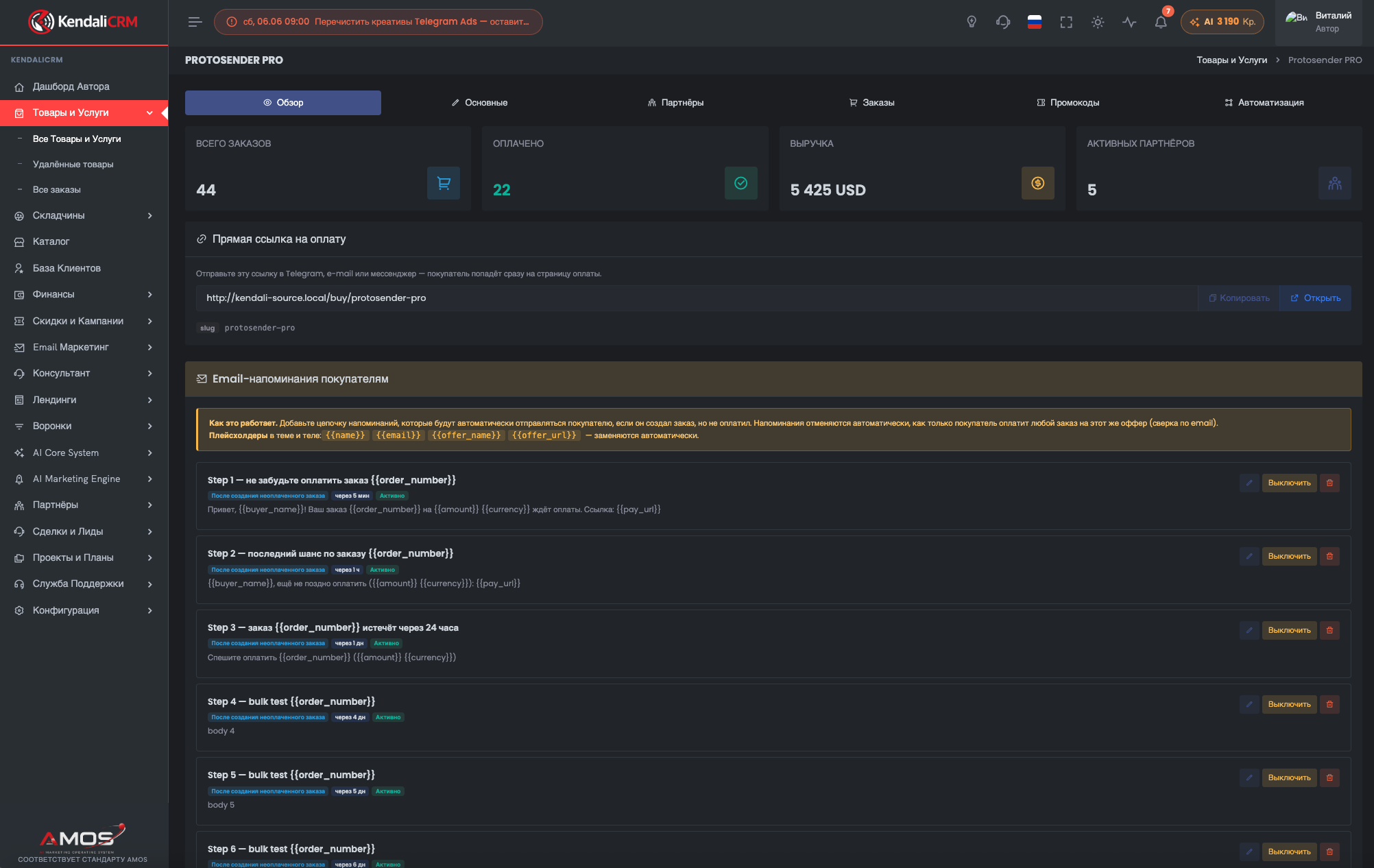
Launch your first offer
Create a product, a checkout page, post-purchase emails, a promo code and basic sales analytics.
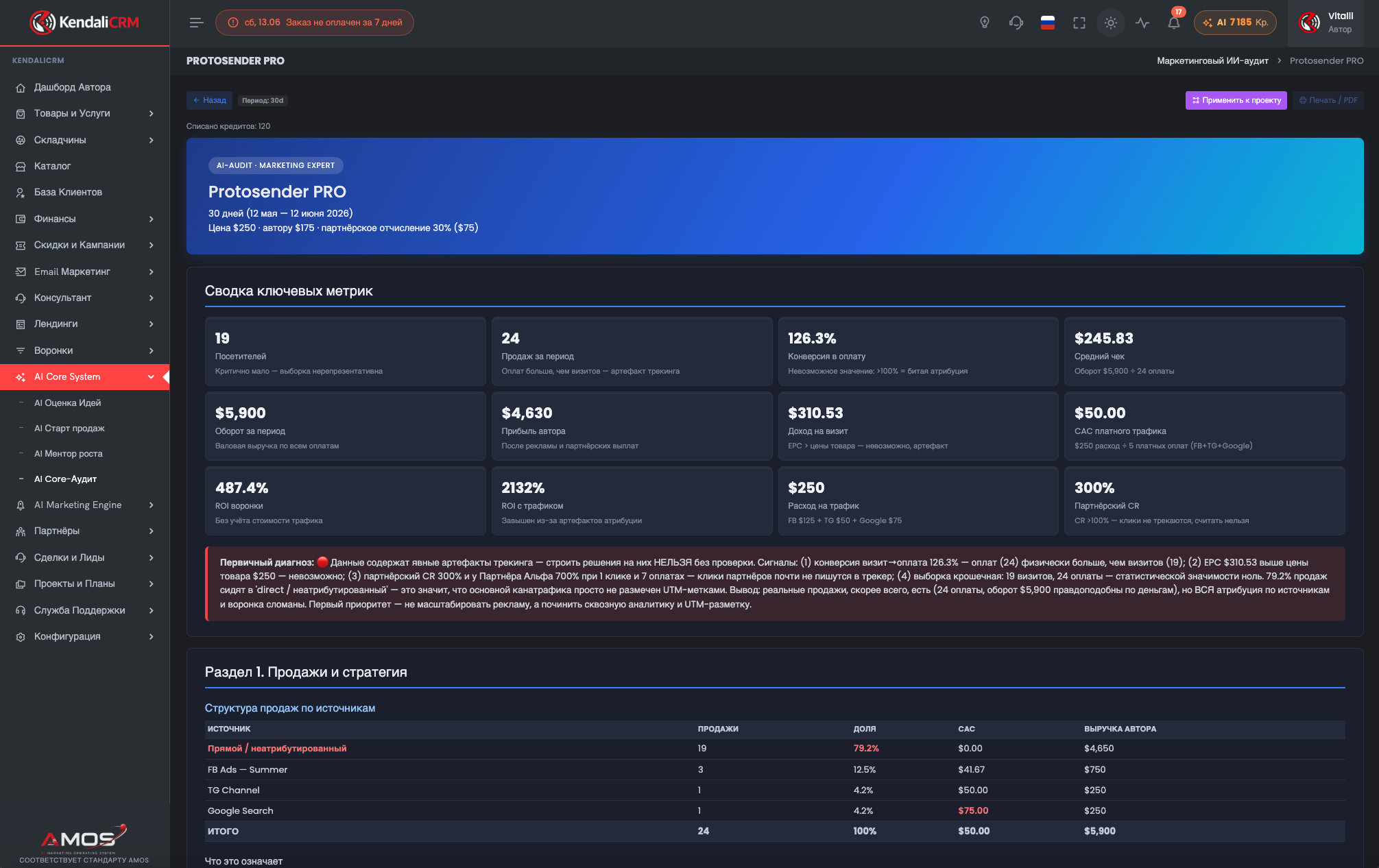
Set up an AI business audit
Prepare the data, scenarios and reports so AI helps you spot bottlenecks and growth points.
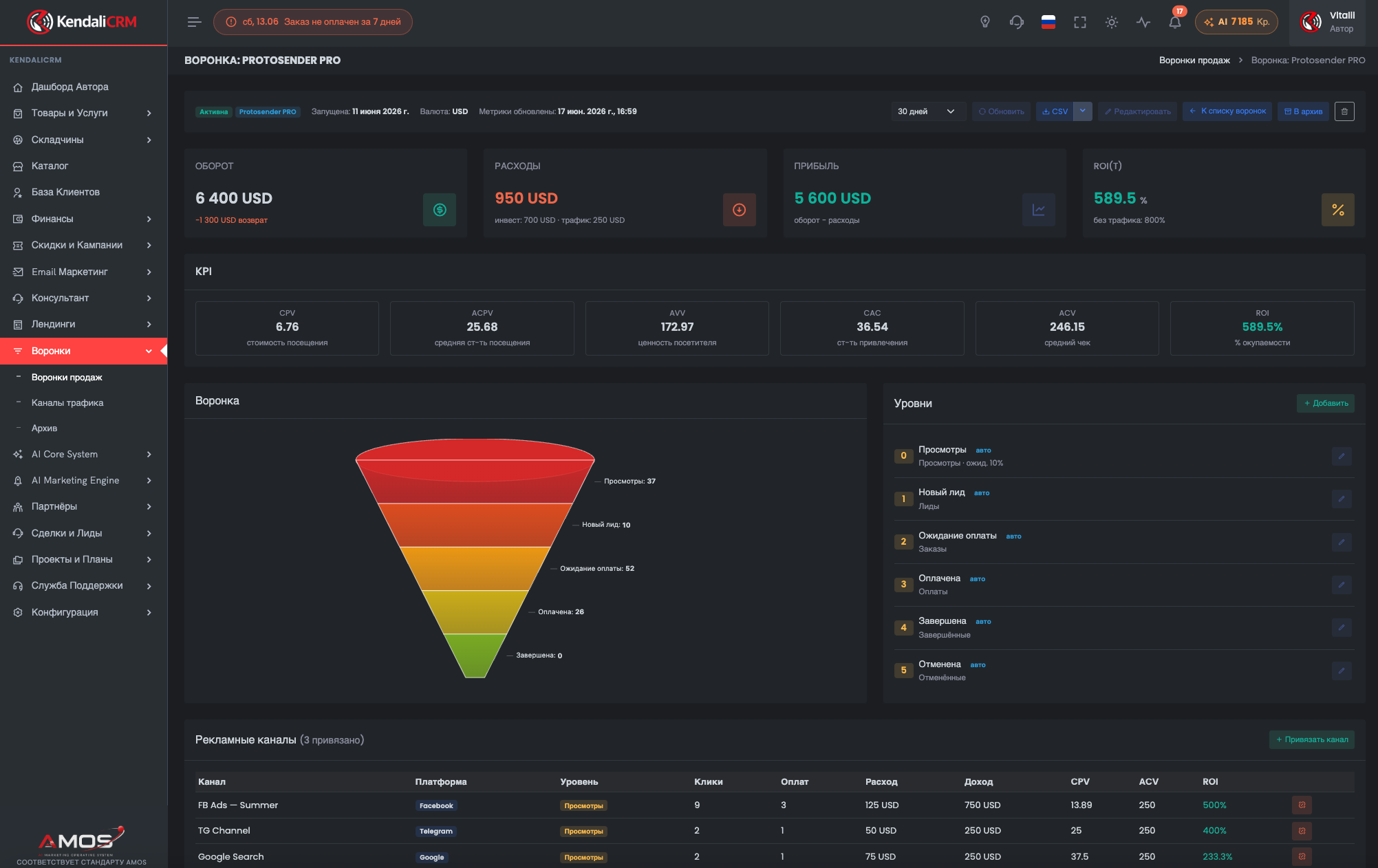
Build a funnel with ROI
Connect landing pages, traffic, spend, orders, payments and performance metrics.
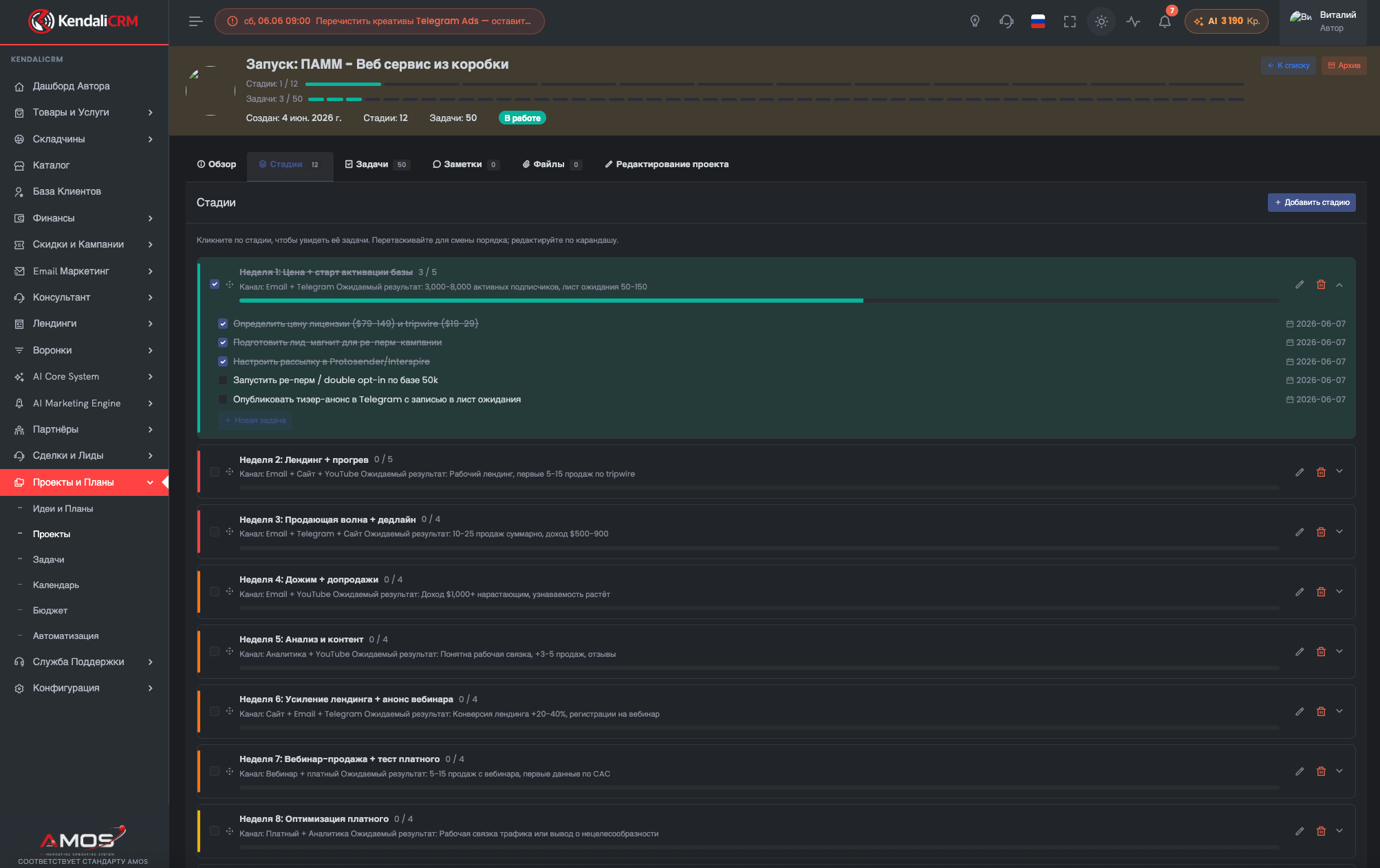
Turn recommendations into tasks
Create a project, stages, tasks, deadlines and an execution workflow after an AI audit or launch.
What to prepare for an implementation estimate
The more precise your inputs, the faster the scope can be estimated — without a long back-and-forth.
Minimum checklist
Installation, setup, integration, migration, SEO setup, customization or all of the above.
Domain, server/hosting type, availability of PHP/MySQL/ionCube/cron.
Sales, group buys, USDT, affiliate program, AI, SEO, email, funnels, projects.
WordPress, SMTP, external APIs, forms, webhooks, payment/analytics systems.
Just an installed CRM or a fully ready first business scenario.
License separate. Implementation separate.
You don't overpay if you install it yourself, and you get help if you need a fast result.
Launch License
- on-premise version of KendaliCRM;
- license for 1 domain;
- 6 months of updates;
- advisory support;
- video installation guide;
- 100 AI credits as a bonus;
- 30-day money-back guarantee.
Implementation
Cost is calculated separately after we assess the task. You can order just the installation or a full adaptation to your business process.
Common questions about implementation
Is installation included in the $99?
No. The price includes the ZIP installer, a video guide and advisory support. Manual installation on the client's server is billed separately.
Can I install it myself?
Yes, that's the primary scenario. The process is similar to installing WordPress: upload the files, create a database, open the installer and walk through setup.
What does advisory support mean?
It's recommendations and help with questions about installation, activation and initial setup. It does not include performing work on the client's server.
Can I order data migration?
Yes. Migration from another CRM, spreadsheets or a legacy system is estimated separately after we review the data structure.
Can the CRM be customized for my niche?
Yes. Custom fields, modules, integrations, reports and scenarios are all possible. Scope and cost depend on the task.
Can you set up the AI Marketing Engine for my WordPress site?
Yes. You can connect the site and configure brand context, sitemap sync, semantic core, architecture and content plan as a separate service.
Do you work with the client's server?
Yes, if the client separately orders installation or setup and provides the necessary access.
Can I start with just a consultation?
Yes. You can first discuss the task, understand the implementation scenario and only then decide whether you need installation or customization.
Want more than just buying a CRM — want it launched for your business?
Describe your task: installation, setup, AI/SEO setup, integrations, data migration or customization. We'll then assess the scope of work and propose the best implementation path.